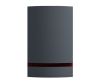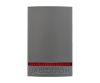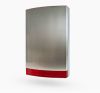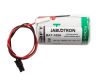

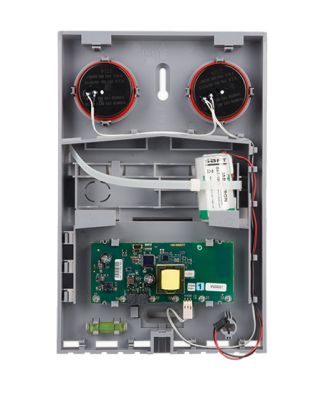
Jablotron JA-163A RB Base wireless Outdoor Siren + Cover + Battery
Jablotron JA-163A RB Base wireless Outdoor Siren + Cover + Battery
1
5
5
1
The Jablotron JA-163A is a wire-free siren in a solid housing (covers: white, grey, anthracite or stainless steel).
Availability: In stock
SKU
JA-163A-BASE-RB


JA-163A RB wireless outdoor battery powered siren
The siren consists of a JA-163A-BASE-RB base with the electronic components and a BAT-100A lithium battery. Optional is the cover of the JA-1X1A-C-xx series. The covers are supplied in several colour designs (see right hand side). It occupies one position (zone) in the system.
The components of the JA-163A RB product (base, cover and battery) are supplied separately.
Specifications
If a wireless firmware update of the JA-163A does not work
Updating the firmware:
- A firmware update can be performed by the F-Link software in service mode. However, only a user with Service authorization can perform this.
- Start the F-Link software and select service mode.
- Open the siren's cover.
- Do not disconnect the battery!
- Connect a PC to the siren using a mini-USB cable.
- The firmware update mode is indicated by the flashing yellow LED.
- Proceed as for updating the control panel using the F-Link software: F-Link: Control panel → Update firmware.
- ct the USB option in the device options (usually the first item).
- Press the OK button to update the selected device.
- Disconnect the mini-USB cable.
- Close the siren's cover.
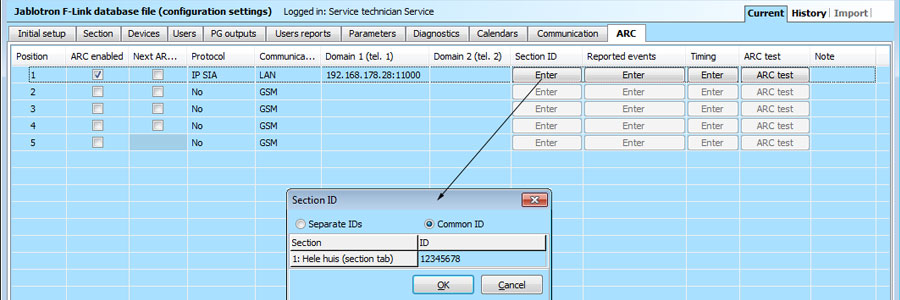
- Check the siren settings via the F-Link software, Devices / Internal Settings.
- Test the siren's functions.
Notes:
A mini USB cable is not included in the accessories supplied with the siren, control panel, or any other device. You can use the cable from the JA-190T card reader. We strongly recommend connecting the USB cable directly to the PC. Connecting via a USB hub can reduce reliability. Depending on the changes made during the update, previous settings can be retained or deleted, thus restoring the default values. After a reset, you can reload the previous settings by pressing the Import button and restoring the settings without negatively affecting the new firmware.
Customer Reviews
1
Reviews
100%
of customers
recommend this product
recommend this product
Sort by
Rating
Newest
Helpfulness
JahoooJahooo
17 Feb 2016
This is the first self-sufficient external sirene I have found on the web. Great sound and nice flashing (programmable with the software).
Easy to install and to fix it due to the 'spirit level' and no electrical external power needed.
Tip: 1 battery is included, if you like just by another one :-)
...you can use 2 batteries in the siren.
I have also ordered the stainless steel cover, great look and feel!
Questions
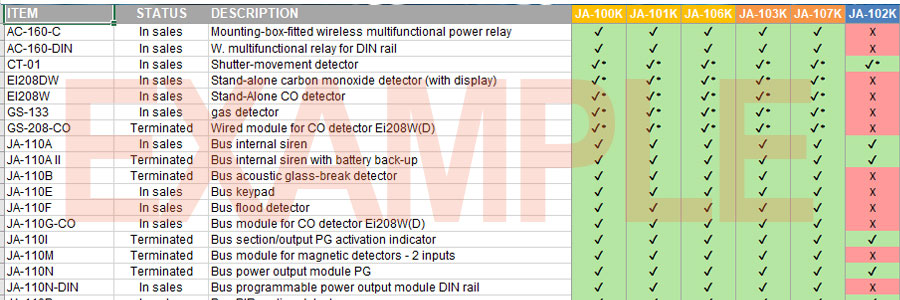
Hello, is there a compatibility overview of the Jablotron 100 components?
Question by: Frank on Sep 25, 2026, 2:42 PM
Answer by: Frank Ligthart (Admin) on Sep 25, 2026, 2:43 PM

Related Products
Check items to add to the cart or